

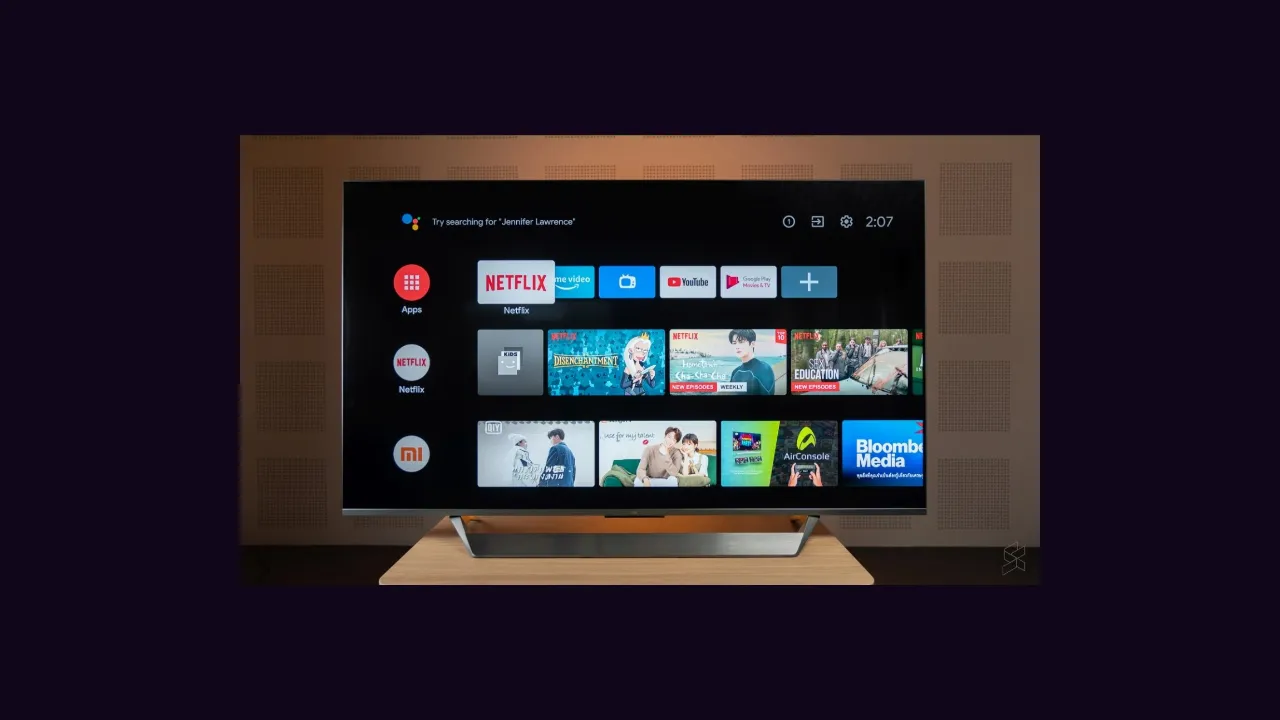
Android TV is the home ground of the Eleph TV app. The app is built for a remote, a big screen and a sofa, so the first setup is mostly about getting out of its way: confirm the television runs Android TV or Google TV, install the app, register, and test one title.
Check Compatibility in Seconds
If your television has the Google Play Store built in, it very likely runs Android TV or Google TV, and Eleph TV is made for it. Samsung televisions running Tizen and LG televisions running webOS are the two big exceptions, and no setup trick changes that.
A television that is not compatible is not a dead end: an Android TV box or stick on an HDMI port turns it into a compatible screen for the price of a small device.
Install and Register
Install the Eleph TV file on the television, open it from the apps menu, and register from the Profile screen with an email address or a phone number. Enter the verification code you receive, and the seven day free VIP trial starts from there.
Keep the remote close for this part. The Profile screen sits on the home screen, and registration takes under two minutes when the code arrives promptly.
Settle the Picture Before the Household Arrives
Play one short title and check three things: that playback starts cleanly, that the picture quality holds after thirty seconds, and that sound and lips stay together. If anything is off, fix it now, not during a live match.
The stick version of this setup is covered in Eleph TV on Firestick, and the data side of the same evening is covered in data saving tips.