

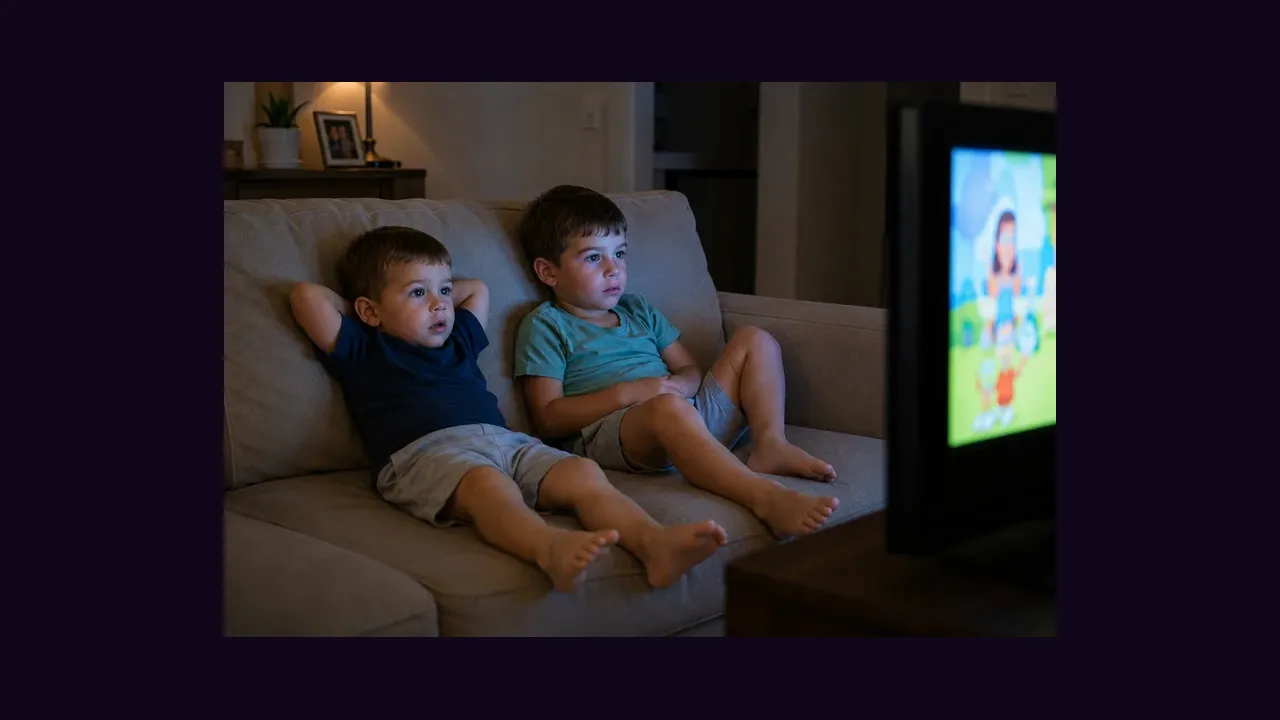
The kids section of Eleph TV for Android exists so that cartoons and learning shows do not share a shelf with late night films and live sport. Used well, it turns the television into something you can hand over without hovering.
Stay Inside the Kids Section
Open the kids section directly and browse there, instead of letting children loose on the general home rows. The section is curated for young viewers, and the general rows are not.
Pre pick two or three shows before handing over the remote. A child who chooses from a short list watches sooner and argues less than a child facing the whole library.
Set the Evening Rules
Agree the number of episodes before the first one starts, and keep the remote where an adult can reach it. The app will not enforce your household rules for you, so the rules need to live outside the app.
Watch the first episode of a new show together. Ten minutes with a parent tells you more about a show than any age label on its page.
Before a Trip or a Quiet Afternoon
Where a title offers an offline option, save it on Wi-Fi before travelling. A saved episode is worth more than a perfect stream that needs a network you do not have.
The family controls companion is Eleph TV for families, and the catch up companion is Eleph TV catch up and replay.