

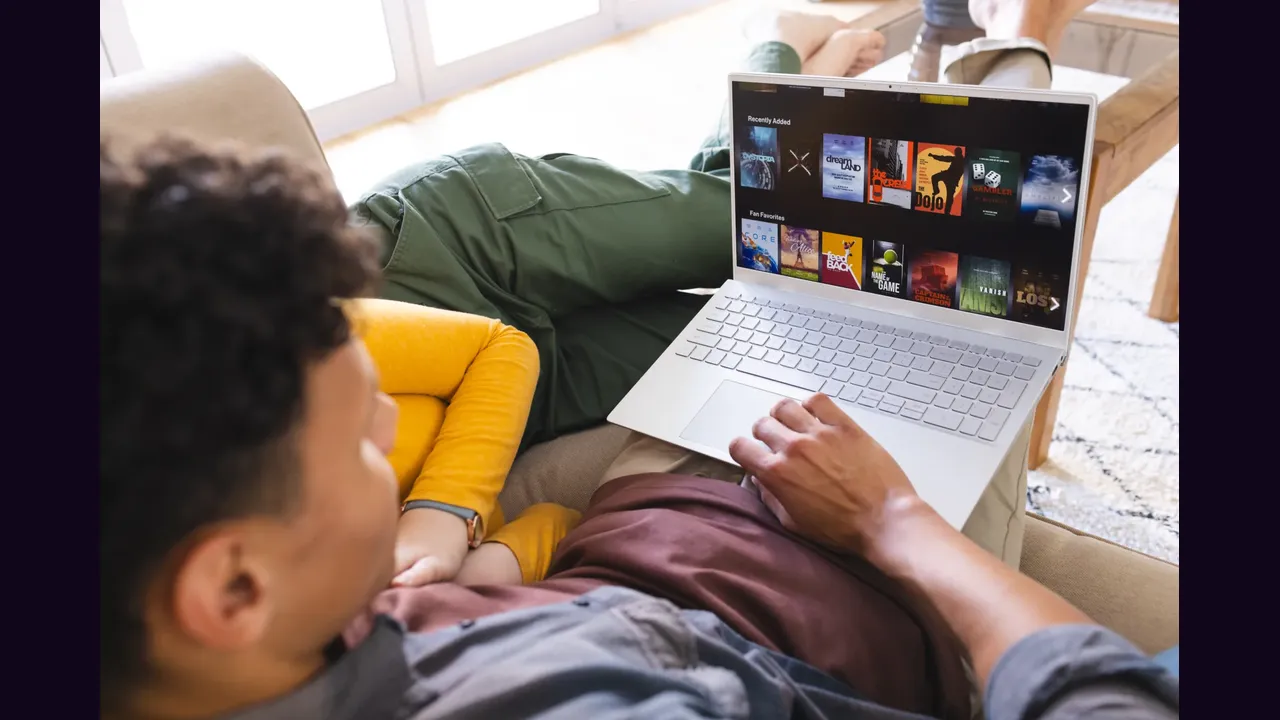
It has no native Windows app, but a Windows PC can still run it through an Android emulator. The emulator is a virtual Android tablet living inside your PC, and Eleph TV for Android runs inside it like any other Android app.
Install the Emulator
Install an Android emulator such as BlueStacks or LDPlayer on the PC, and finish its first setup with a Google account, just as you would on a new tablet. Give it enough memory in its settings: an emulator starved of memory stutters exactly like a cheap phone.
Use the emulator app store for its own apps, and keep it separate in your mind: it is not in any app store, so it arrives as a file inside the emulator.
Install It Inside the Emulator
Download the app file on the PC, then drag it into the emulator window, or open it from inside the emulator file manager. Confirm the install, then open it from the emulator home screen and register from Profile.
Keyboard and mouse work, but the app expects touch habits: click and drag where you would tap and swipe, and use fullscreen for films.
Know the Limits
A PC emulator is a workaround, not a home cinema: it suits a desk viewer, a second screen, or a trial run before buying a TV box. For the living room, a box or stick is still the better spend.
The television route is Eleph TV on Android TV, and the phone route is Eleph TV on an Android phone.